Keep the good stuff.
Review footage, mark your selects, and organize custom buckets with the notes that matter to you.
 VI JOURNEYYOUR VISION. YOUR EDIT.
THE DESKTOP EDITOR FOR CREATORS
Your footage. Your instincts. One place to review, curate, and build the edit you had in mind.

MEET VI JOURNEY CORE
Find the moments worth keeping. Give them a home. Then turn your selects into something that feels like you.
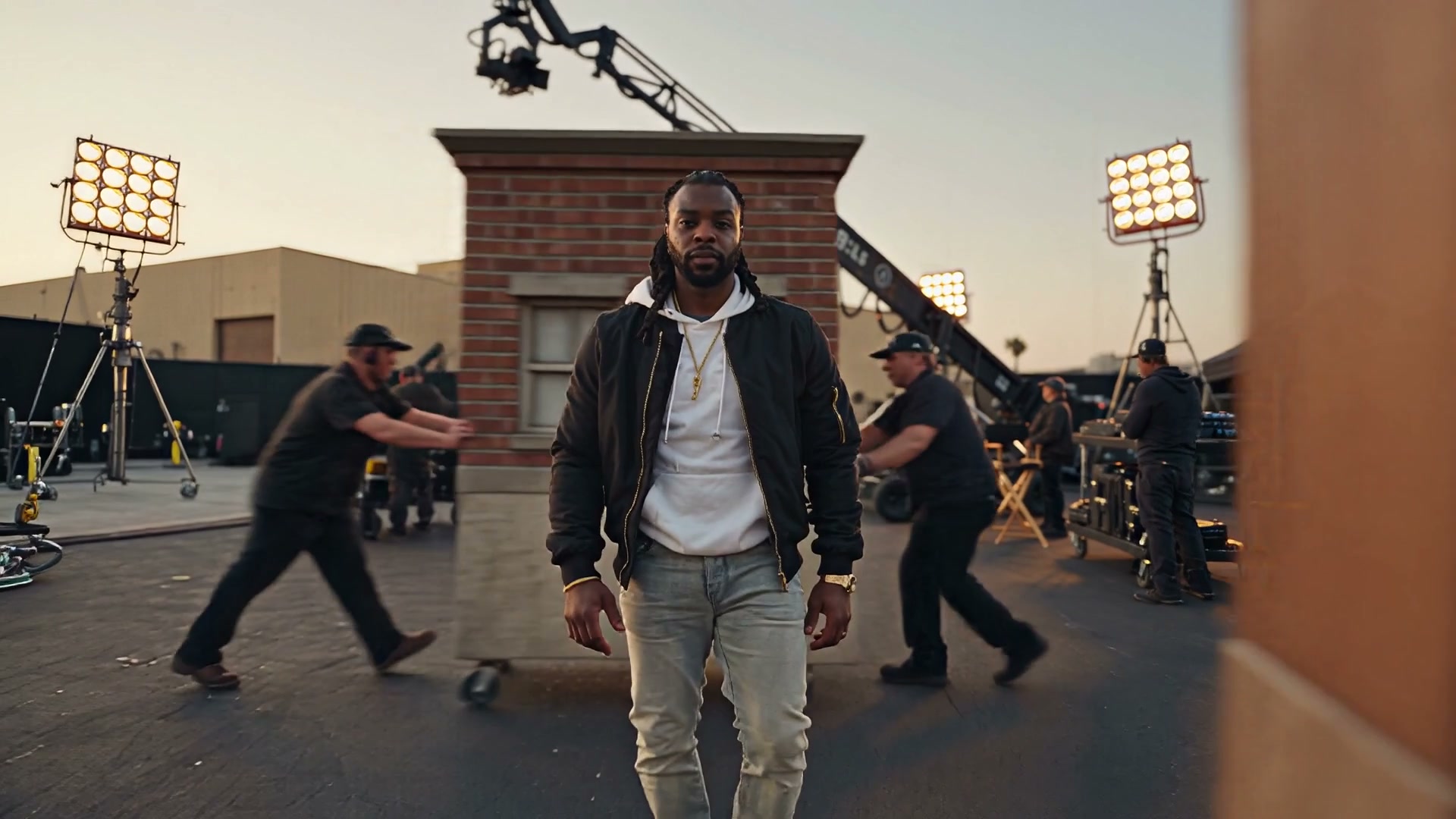 THE FILM IS GETTING ITS FINAL VOICE.
A FILM BY VI JOURNEY
Creativity will never die.
Review footage, mark your selects, and organize custom buckets with the notes that matter to you.
Build a manual timeline, trim your clips, bring in music, and render the finished edit.
Export your curation, notes, source ranges, and timeline references for the next step in your workflow.
FROM FOOTAGE TO FINISHED
You bring the creative judgment. VI Journey keeps the footage, your decisions, and the edit together.
Open a project and import your clips. Original media stays intact.
Review, annotate, and sort moments into buckets that make sense to you.
Audition ranges, place your clips, shape the timing, and add your music.
Render a final video or export your editorial work to continue elsewhere.
YOUR WORK HAS A NEXT CHAPTER
The time you spend curating is creative work. Take your buckets, annotations, selected ranges, and timeline references with you.
Explore your export optionsInterchange support varies by editor and importer.
START WITH CORE
A standalone editor for the work you want to make. Core’s manual workflow does not require a Vibe or Studio subscription.
The essentials, from first review to final render.
Apple silicon · macOS 14+
Any applicable taxes are shown at checkout.
No. Core’s manual review, curation, timeline, music, and export workflow works without ChatGPT or a premium subscription.
The current direct build is for Apple silicon Macs running macOS 14 or later. An Intel Mac or Windows version is not included.
Importing, reviewing, and editing do not overwrite your originals. Previews, evidence, and renders are separate files. Your finished video is created when you render.
Yes. Export curation as JSON/CSV and timeline references as OTIO. The destination editor needs a compatible importer or adapter. Supported effects and metadata vary; this is not a promise of a feature-perfect round trip.
Core is a $25 USD one-time purchase. Vibe and Studio are separate premium products and are not available in this launch. See the purchase terms for details about upgrades and licensing.